Last week, I taught my mom how to use Claude Code in a Lisbon café.
This week, I rolled it out to all my consulting clients.
That tells you something about where this is headed.
Here’s what’s inside:
- The Project Base video is live (part 3 of the Bases series)
- Project templates, finally written up
- 14 days of Claude Code + Obsidian (plus 5 one-on-one consulting spots)
- A small GIF(t) for you...
The Project Base video is live
 |
The third installment of my Obsidian Bases series is out!
In this one, I walk through a single project.base that gets reused across all your projects.
Watch the Project Base video →
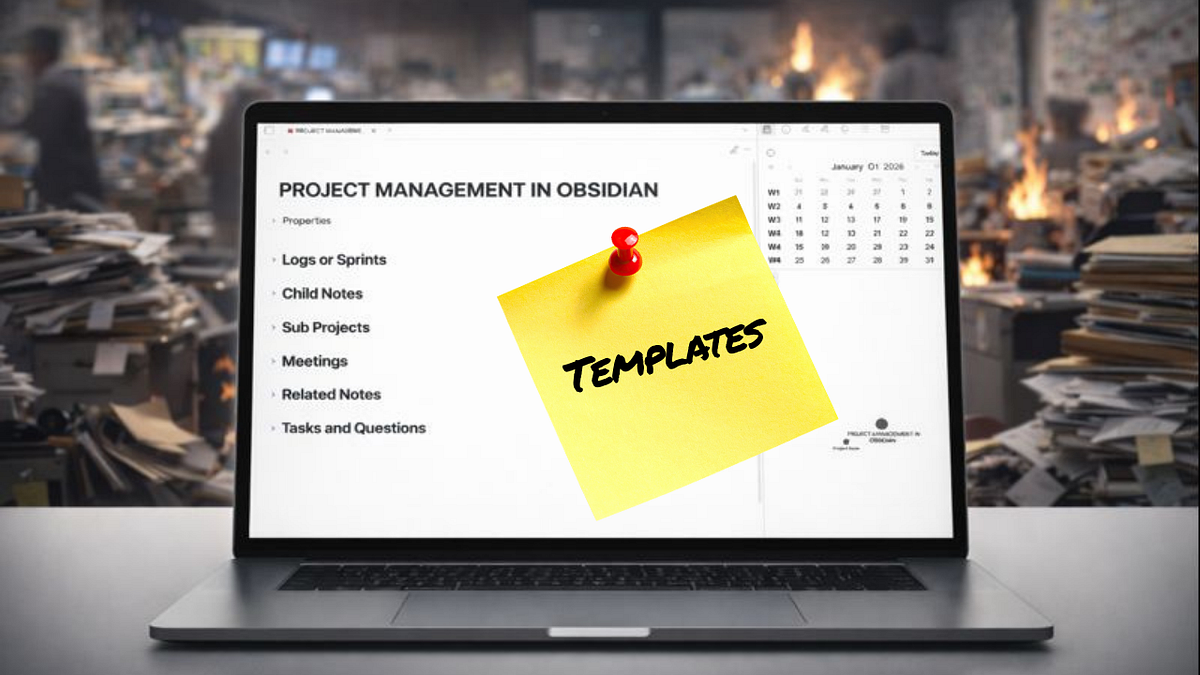
Project Templates
A lot of people have asked about my templates. I finally wrote them up.
Instead of one overwhelming article, I’m breaking them into categories.
First up: project templates.
 |
As a banking consultant, I sat through endless meetings. I hate meetings.
But when some information is shared, I knew my system would do the remembering for me so I can spend a full two-hour call scrolling social media and then proudly say at the end:
“Hi all.
Great work.
Let’s keep pushing into the final quarter and continue delivering value for our shareholders.
Nothing to add from my side.”
With the right templates, information has a fixed place to go.
You stop losing decisions, follow-ups, and context between meetings.
Read the Project Templates article →
Claude Code + Obsidian (14 days in)
I’m still surprised by how naturally Claude fits into an Obsidian workflow. Combined with Wispr Flow, where I talk into the terminal, capture is feeling breezy.
I spent the last two weeks pushing Claude Code hard.
Last week I taught my mom how to use it — and if I can teach my mom, I can teach anyone.
That gave me the confidence to roll it out to all my consulting clients. Every single one of them saw benefits from day one.
I don’t think this is empty hype. I think this is the next phase of knowledge management.
Here’s my top findings after 14 days of Claude Code + Obsidian:
- Setup is the hardest part. A few technical hurdles, then everything clicks.
- CLAUDE.md is the magic glue. One markdown file that teaches Claude how your vault works. When it makes a mistake, add a rule. It learns.
- CLAUDE.md vs Skills: CLAUDE.md is always-loaded context. Skills are task-specific. For journaling, logging, and projects, I’m only using CLAUDE.md for now. It works well and stays within daily credits.
- Design for your 80/20. Focus on the elements you use most. First update the projects, meetings, logs, you’ll be using the most.
- Claude amplifies good structure. Clear folders and templates turn your vault into an advantage.
- The real gain isn’t speed. It’s friction removal. When logging takes three seconds, you actually do it.
- Delegate the boring work. Metadata updates, formatting, note creation, light research. Let it run while you make coffee.
- Auto-fill metadata at scale. I no longer manually write summaries. Claude reads the note, summarizes it, and fills in the summary field. Do this for one note or batch it at the end of the week: “Check all meetings for this project, fill in missing summaries and tags.” Weekly housekeeping in seconds.
- Search replacement. I ask Claude instead of Googling. It’s my personalized search engine inside Obsidian.
- Embedded in Obsidian. I run Claude Code inside Obsidian using the Terminals plugin. No extra window. It lives in the sidebar. It looks oddly cozy.
The main benefit I didn’t expect? More coffee breaks.
Parkinson’s Law says work expands to fill the time available.
The reverse seems true as well. Remove the busywork and time appears.
What am I doing with it? Coffee. And binge-watching “The Bear.” No regrets.
5 slots for those who don't want to wait
I’m building a workshop around this, but many people told me they don’t want to wait.
So I’m opening 5 one-on-one Claude + Obsidian sessions.
We’ll set up Claude Code on your machine, connect it to your vault, and build your CLAUDE.md together.
You’ll leave with a working system tailored to how you think and take notes.
Your vault. Your workflows. Your 80/20.
When the workshop launches, you’ll get access to that too.
€250 · 5 spots
Reply with “CLAUDE” if you want one.
Give yourself a GIF(t)
I recently watched a YouTube video showing an extremely aesthetic Obsidian setup.
It reminded me that I still have a note called “GIF Hub,” where I once saved looping gifs.
I added one to my sidebar. It now lives under my calendar, just above my Claude terminal.
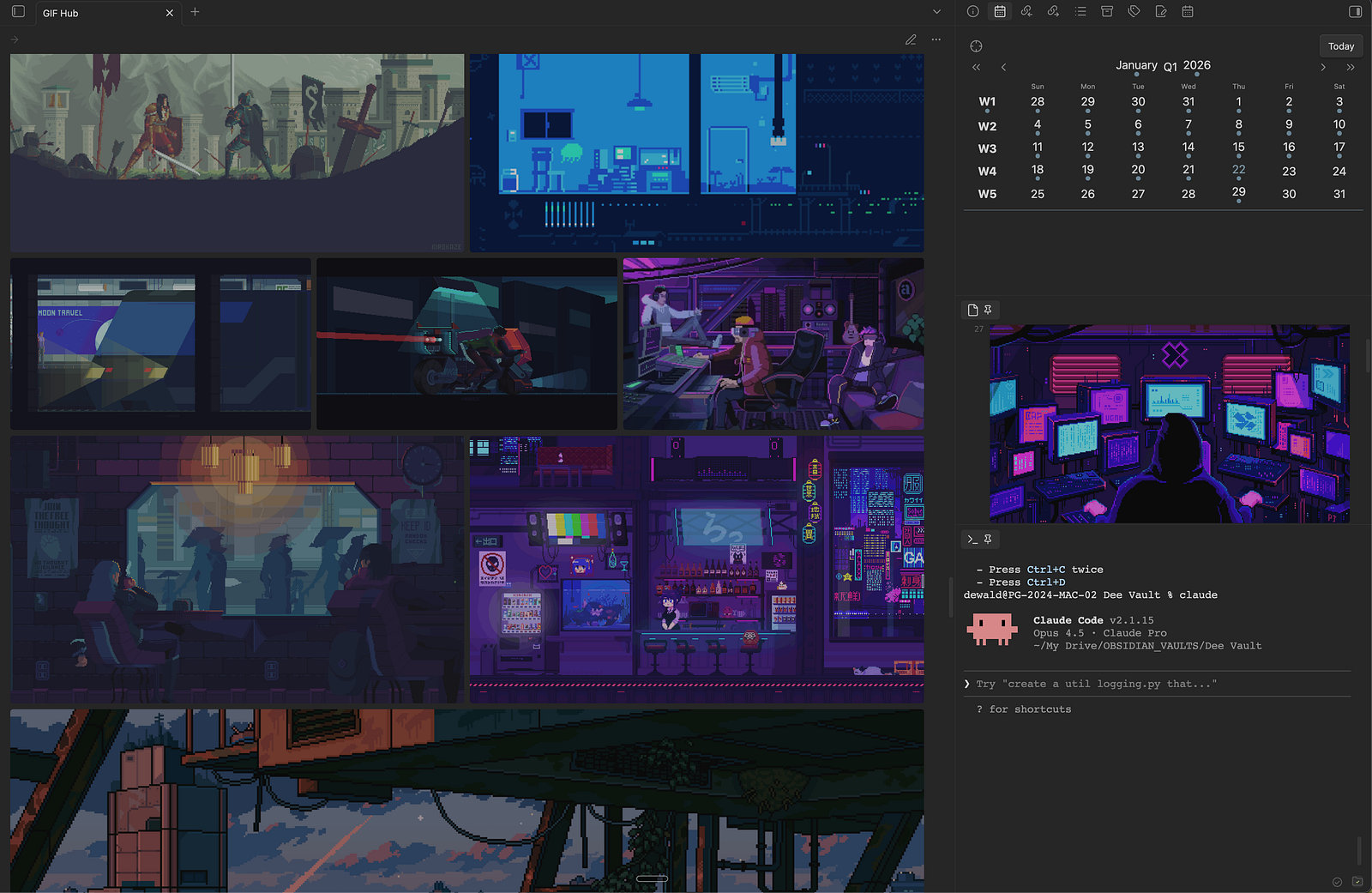
It’s completely unnecessary.
But you know how sitting in a café helps with creativity? It gives me the same vibe.
Click on this link to get some inspiration.
How to do it:
-
Create a new note
-
Drag a gif from the browser into the note
-
Pin the note to your sidebar
Reply to this mail and show me what your setup looks like with this addition. I find it fun to have a window into peoples lives...
Until next week,
Strength and Honour,
Dee
Website · YouTube · Substack · Medium · Twitter (X)


Responses